
RESCUNO Blog
Practical guidance on Instagram scams, account security and recovery for creators and businesses, from RESCUNO, a company that handles disabled, suspended and hacked Instagram and Facebook accounts, Meta ad accounts and Facebook Pages.
Remove Unknown Devices From a Hacked Facebook Account
To remove unknown devices from a hacked Facebook account, secure your email first, then log out every unknown session, change the password, and turn on two-factor authentication. The order matters, because a wrong sequence lets the intruder walk back in. If you are locked out, the steps start with Facebook's recovery flow instead.
How to Get Back a Hacked Instagram Account Without Email
Yes, you can often still get back a hacked Instagram account without the email, but the route depends on what you still have: a phone number, a device that was logged in, a linked Facebook account, or only your identity. No one can promise the result, yet the steps below give you the best realistic chance and keep you from being scammed a second time.
New Instagram account suspended immediately: why
A new Instagram account is often suspended right away because the system links it to an account that was already disabled, or because the signup looked unusual. Read the exact notice, appeal once through the in-app form, keep records, and do not create more accounts while you wait.
Instagram Disabled for Child Sexual Exploitation: False Flag
If Instagram disabled your account for "child sexual exploitation" and you posted nothing of the kind, you are not alone. Meta's automated moderation is known to hit ordinary accounts with this reason, and RESCUNO has restored accounts disabled for it. Check the real reason in Account Status, secure your email, then file a clear, well-documented appeal from the app.
How to Recover a Hacked Facebook Account After Email Change
Yes, you can often get a hacked Facebook account back even when the hacker changed the email, if you start from the security alert in your old inbox and use only Facebook's official recovery pages. No one can promise a result or a timeline, but a prepared, careful request gives you the best chance of a clean review.
What to Do First If Your Social Media Account Was Hacked
What should you do first if your social media account was hacked? Check whether you can still log in. If you can, change your password from a trusted device and secure the linked email account. If you can't, skip straight to the platform's official hacked-account flow and start saving evidence.
How Do I Recover My Instagram Account Without Email?
Yes, you can often recover your Instagram account without email access, but you need to pick the right route. Start with your username or phone number, then move to the video selfie and the "Need more help" option if the easy ones fail. No honest source can promise the result or the timing.
Can Facebook Help If Your Account Was Hacked?
Yes, Facebook has recovery routes for hacked accounts, even when the email was changed. Start with the security alert in your old inbox, use the revert link in it, then move to the official hacked-account flow if that fails. Act quickly, because the undo link may expire.
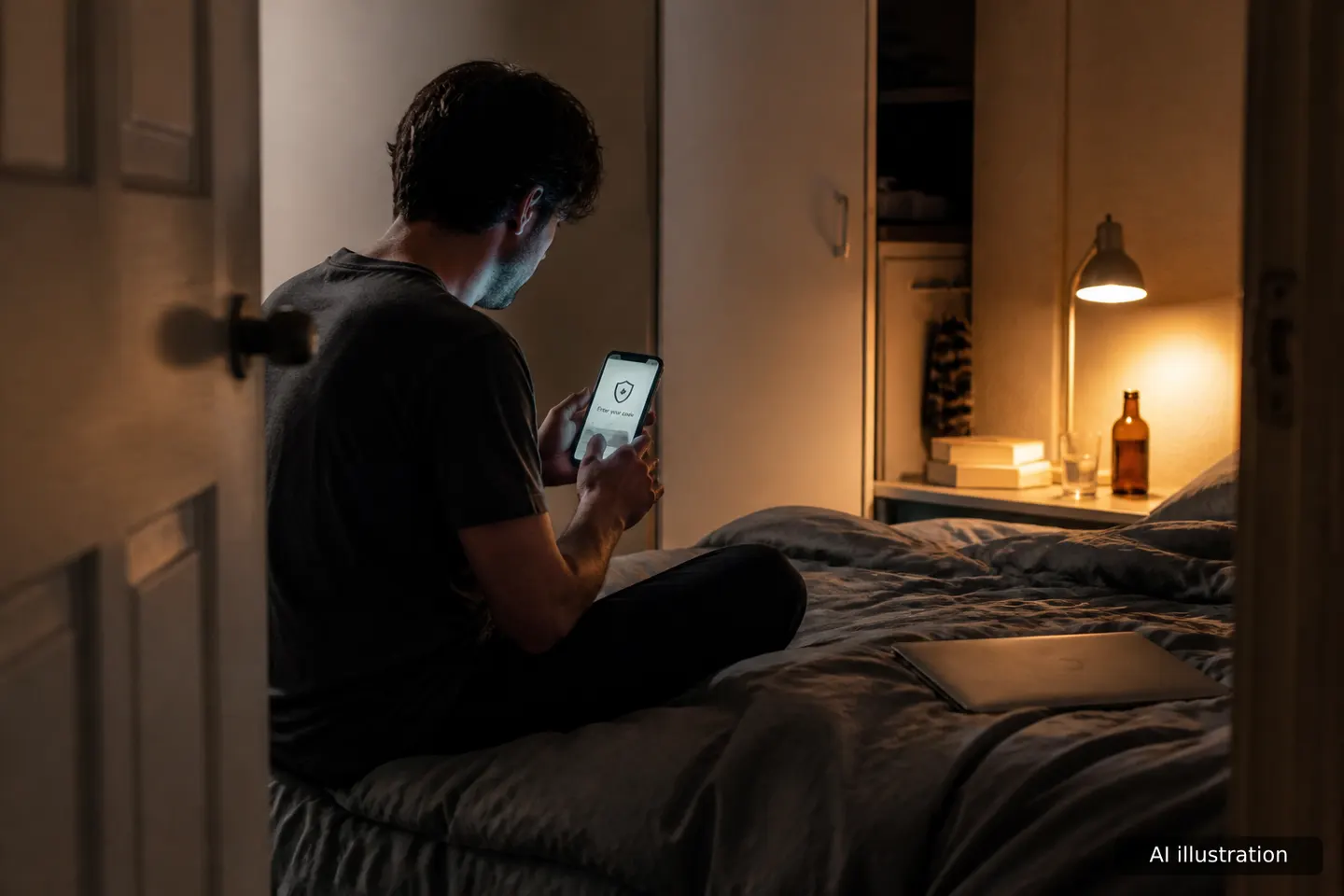
How to Secure Your Instagram Account After Being Hacked
To secure your Instagram account after being hacked, start with the order: regain control first, then lock the doors, then clean up. If you can still log in, change the password, check the email and phone, and turn on two-factor authentication in your first hour. If you are locked out, use Instagram's official recovery and keep records while you do.
Signs Your Instagram Account Is Compromised
The clearest signs your Instagram account is compromised are login alerts from devices you do not know, a changed password or email, and reset or code emails you never requested. Quieter signs, like odd connected apps or settings you did not change, often show up first. Each one can be checked inside the app in a few minutes.
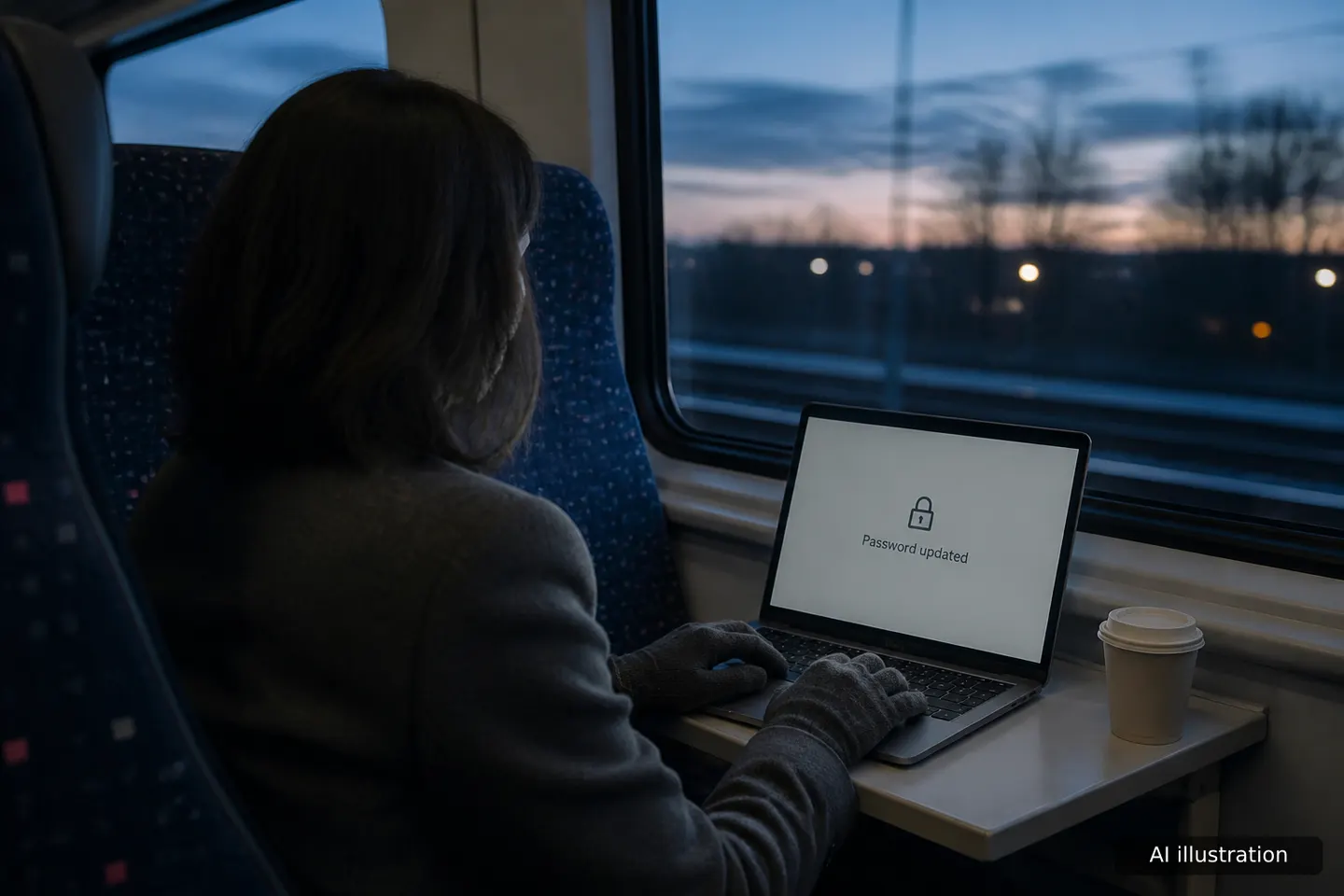
What to Do After Your Email Account Gets Hacked
What to do after your email account gets hacked: start with the device you use to read email. Scan it, then change your password from that clean device, turn on two-step verification and sign out every other session. After that, hunt for what attackers leave behind, such as forwarding rules and connected apps, and warn your contacts. If you are locked out, use your provider's recovery form, and ask for help if it stalls.
How to Secure Your Account After a Hack: Step-by-Step
To secure an account after a hack, work in order: secure the email linked to it, set a new unique password, log out every other session, turn on app-based two-factor authentication, then check for backdoors. If you are locked out, use the official recovery flow first, and consider assisted help under a written contract if that stalls.