
What to Do First If Your Social Media Account Was Hacked
In short
What should you do first if your social media account was hacked? Check whether you can still log in. If you can, change your password from a trusted device and secure the linked email account. If you can't, skip straight to the platform's official hacked-account flow and start saving evidence.
Published
Contents
- Step 1: Stay calm and spend the first 15 minutes in the right order
- Step 2: Document the evidence before you change anything
- Step 3: Check whether you can still log in
- Step 4: Secure the linked email account first
- Step 5: Reset your password from a trusted device
- Step 6: Turn on two-factor authentication
- Step 7: Log out of unknown sessions and review third-party apps
- Step 8: Check and restore changed profile details
- Step 9: Warn followers, scan devices and report the hack
- Step 10: If you are fully locked out
- Step 11: Watch for follow-up recovery scams
- Step 12: When to get professional help, and how to vet it
- Step 13: Prevent a repeat
Step 1: Stay calm and spend the first 15 minutes in the right order
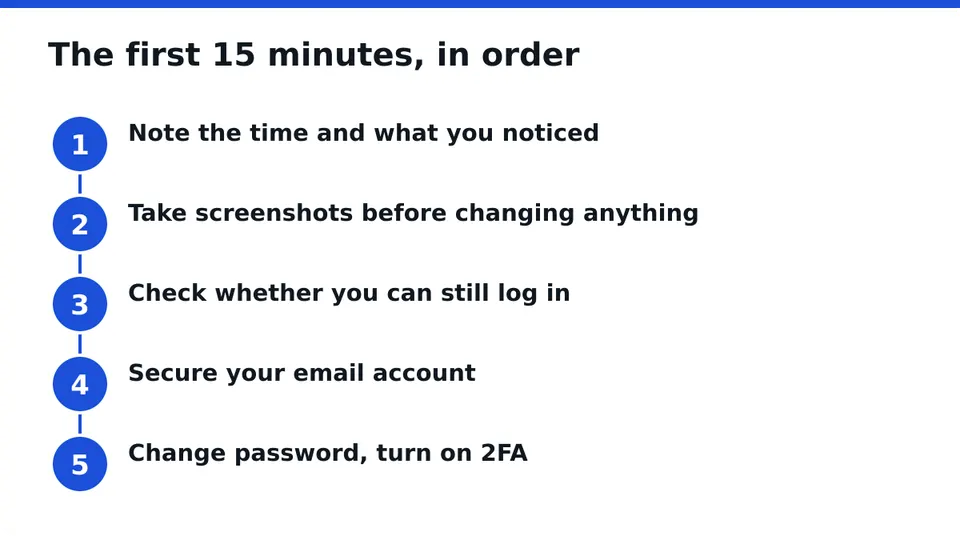
Panic makes people click the first thing they see. That is how a hack turns into a second problem. Take one breath and follow this order:
- Note the time and what you noticed (odd post, login alert, changed email).
- Take screenshots before you change anything.
- Find out whether you can still log in.
- Secure your email account.
- Change your password and turn on two-factor authentication.
Everything after that can wait a few hours. Those five cannot.
Step 2: Document the evidence before you change anything
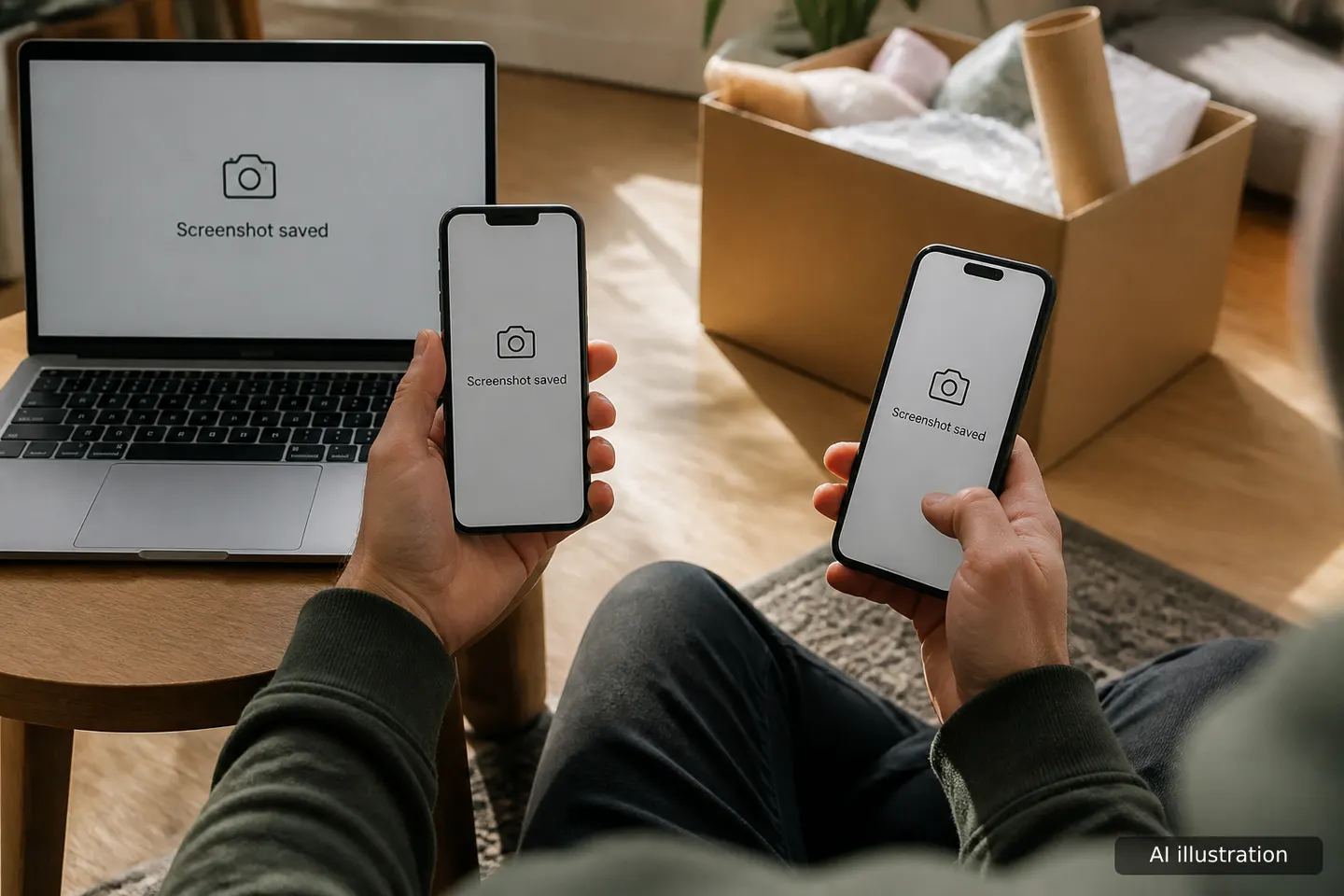
Screenshots are rarely mentioned and often matter later. Capture strange posts or messages sent from your account, security emails about a changed password or email, login alerts with device and location, and any ad or payment notices.
Save them in a folder on a device you trust, and keep the original emails instead of deleting them. A common mistake is clearing the inbox in frustration. Those emails often contain the exact links the platform uses to reverse an email change.
Step 3: Check whether you can still log in
Try your normal login on the official app or site, typed by hand, not through a link in a message.
- It works: continue with Steps 4 to 9.
- Password rejected, or the email was changed: go to Step 10 for the locked-out path.
Either way, do not reply to anyone who messages you about the account. Only the owner should ever log in.
Step 4: Secure the linked email account first

Your email is the master key. If an attacker controls it, they can reset your password again after you fix it.
Open your email provider from a device you trust. Change that password to something unique, check the forwarding rules and filters for anything you did not set up, and review recent sign-ins. Turn on two-factor authentication there too. Only then go back to the social account.
Step 5: Reset your password from a trusted device
Use your own phone or computer, one you recognize and control, on a network you trust, not public Wi-Fi. Pick a long, unique password you have never used anywhere else.
Choose the option to log out of other devices if the platform offers it during the reset. The mistake to avoid is changing the password to a small variation of the old one. If the old one leaked, variations are the first thing tried.
Step 6: Turn on two-factor authentication
Use an authenticator app where possible. Text message codes are better than nothing, but an app is harder to intercept. Save the backup codes somewhere offline.
Never read a code out to anyone who contacts you, including people who claim to be support. A code is for you alone.
Step 7: Log out of unknown sessions and review third-party apps
In the security or account settings, open the list of active sessions or login activity. Log out of anything you do not recognize. Then open the connected apps or websites list and remove anything unfamiliar, or anything you no longer use.
Suspicious app access can survive a password change, so this step is not optional.
Step 8: Check and restore changed profile details
Look at your username, bio, profile photo, linked email and phone number, and any added accounts. Hackers often change these to lock you out or to make the account look like someone else.
Also check for posts, stories or messages you did not send, and delete them once you have your screenshots.
If the account has ads or payments
If you run ads or sell through the account, check the ad account and payment methods, and any recent charges or new admins. Remove people you do not know and report unauthorized charges to your bank or card issuer. A hacked creator or business account is often used for exactly this.
Step 9: Warn followers, scan devices and report the hack
Post a short notice from another channel, or message close contacts: do not open links or send money if something odd came from your account. Keep it factual.
Run a security scan on the phone or computer you use. Update the operating system, whether iPhone or Android, and remove apps you do not recognize. If your device is infected, a new password will not hold.
Then report the compromise inside the platform's own help and reporting tools.
Check the message that caused it
Many hacks start with a fake login page, a fake copyright warning or a "verify your account" message. If you still have it, run it through the free Scam Check from RESCUNO before clicking anything again.
Step 10: If you are fully locked out
You cannot log in, so the platform's official hacked-account recovery flow is your main route. Start it from the official login screen or help center, not from a link someone sent you.
Gather what you can:
- The email addresses and phone numbers that were ever tied to the account
- Screenshots of the account, your username, and the profile URL
- Security emails showing the change, including any link to reverse an email change
- Device and location details from login alerts
Use a device and network you have used with the account before, if possible. Be patient and accurate. Repeated, inconsistent submissions can make things slower. No one can promise a result or timeline, because the decision rests with the platform.
Step 11: Watch for follow-up recovery scams
Once an account is hacked, fake helpers appear in comments, DMs and search ads. The red flags are consistent:
- They ask for your password or a login code
- They demand payment up front by gift card or crypto
- They guarantee recovery, or claim a special line into the platform
- They have no company details and no written terms
Legitimate help never needs your password, because only the owner logs in.
Step 12: When to get professional help, and how to vet it
If the official flow has failed, or the account is a business asset, outside help can make sense. Judge it by how it behaves, not by what it promises.
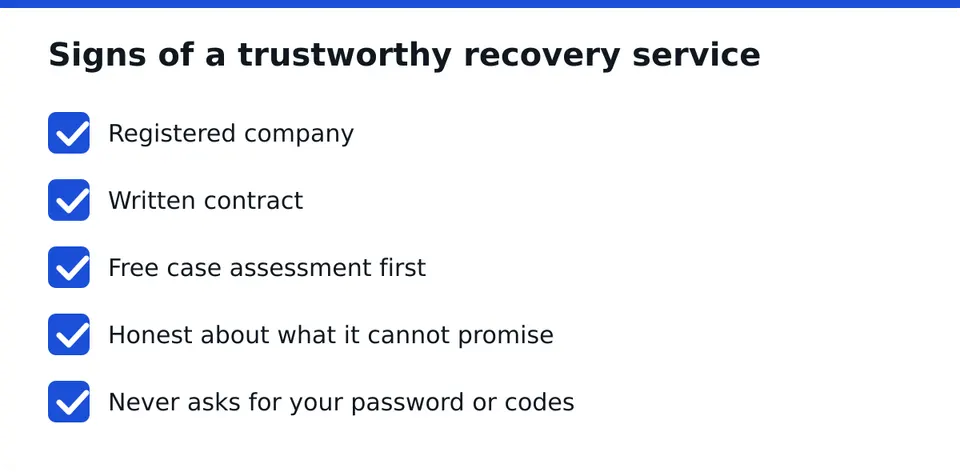
A transparent service is a registered company, works under a written contract, offers a free case assessment first, tells you what it cannot promise, and never asks for your credentials. RESCUNO works this way: account recovery under a written contract, with a free case assessment, and it does not ask for your password. We are independent and have no connection to Meta.
Step 13: Prevent a repeat
Use a unique password on every account, and store them in a password manager so you do not have to remember them. Keep two-factor authentication on, and keep your email as the best-protected account you own.
If you are unsure where you stand, message us on WhatsApp for a free case assessment and we will tell you honestly what is realistic.
Frequently asked questions
What should I do first if my social media account gets hacked?
Save screenshots of anything strange, then check whether you can still log in. If you can, secure your email, change your password from a trusted device and turn on two-factor authentication. If you can't, start the platform's official hacked-account recovery flow.
What if the hacker changed my email and password?
Look in your inbox for a security email from the platform about the change, since it may include a link to reverse it. Use it quickly, then start the official recovery flow and keep your screenshots as supporting evidence.
Should I tell my followers my account was hacked?
Yes, briefly, and through another channel or direct messages to close contacts. Tell them not to click links, send money or share codes if something odd came from your account. Keep it factual and avoid long explanations.
Is it safe to pay someone to recover my account?
Only with caution. Avoid anyone who asks for your password or a code, demands upfront payment in crypto or gift cards, or guarantees success. A legitimate company is registered, offers a free assessment and works under a written contract.
How can I stop my account from being hacked again?
Use a unique, long password for every account, keep them in a password manager, and enable two-factor authentication with an authenticator app. Protect your email most of all, review connected apps regularly, and avoid logging in through links in messages.
Independent site, not affiliated with Meta, Instagram, Facebook, WhatsApp, iPhone, Android.
Lucas Majewski - Founder, RESCUNO
Lucas is the founder of RESCUNO. His team helps owners of disabled, suspended and hacked Instagram and Facebook accounts, Meta ad accounts and Facebook Pages, working under a written contract and never asking for a password.